trandoductin wrote:
One problem, there seems to be no way to stroke a path using line with antialiasing option like the gimp gui allows....
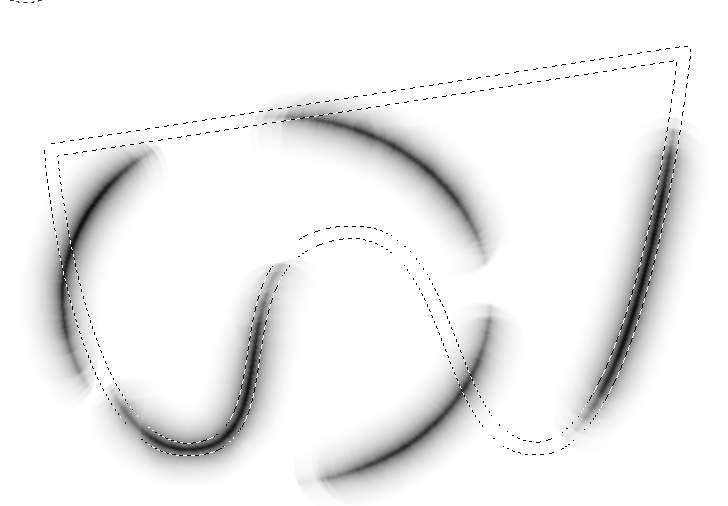
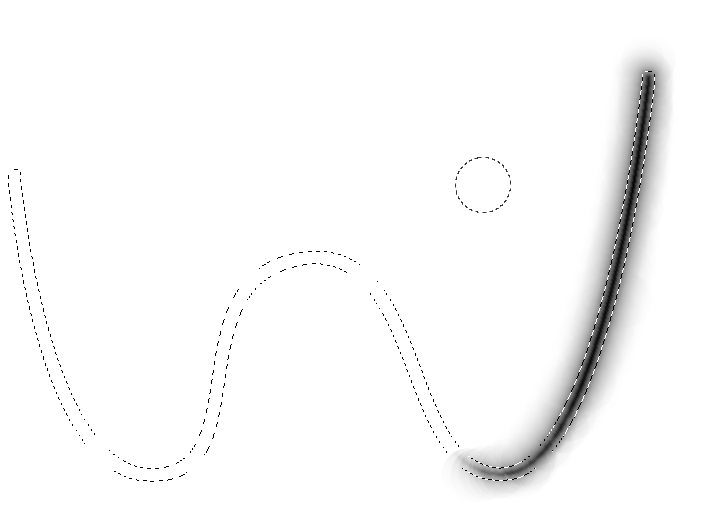
i only found gimp-edit-stroke-vectors which uses the brush instead of just simple line..and the result i am getting so far is different from a simple line with antialiasing.
The brush behavior of the PDB functions can be somewhat obtuse. The various painting features may be specified from one of the brush definition, the current context, or the current context's paint method. Furthermore whether the brush is generated or a bitmap brush can make a difference.
For example, to paint using a 1-pixel brush without antialiasing, you should do the following (or somesuch):
(gimp-context-push)
(gimp-context-set-defaults)
(define temp-brush (car (gimp-brush-new "1-pixel brush")))
(gimp-context-set-brush temp-brush)
(gimp-context-set-brush-size 1)
(gimp-context-set-paint-method "gimp-pencil")
(gimp-edit-stroke-vectors layer path)
Note that setting the paint method to "gimp-pencil" is what disables antialiasing -- the "gimp-brush" and "gimp-ink" paint methods are
always antialiased. Also be aware that 'gimp-brush-set-hardness' has no effect
[1] for "gimp-pencil", but if you were to use one of the other paint methods then you might need to change its value.
[1] Correction: hardness does have a slight effect on the size of the stroke when using the pencil paint method, but does not change the "density" of the stroke as with the other methods.
 Login
Login Register
 Tweets
 FAQ
FAQ Advanced Search