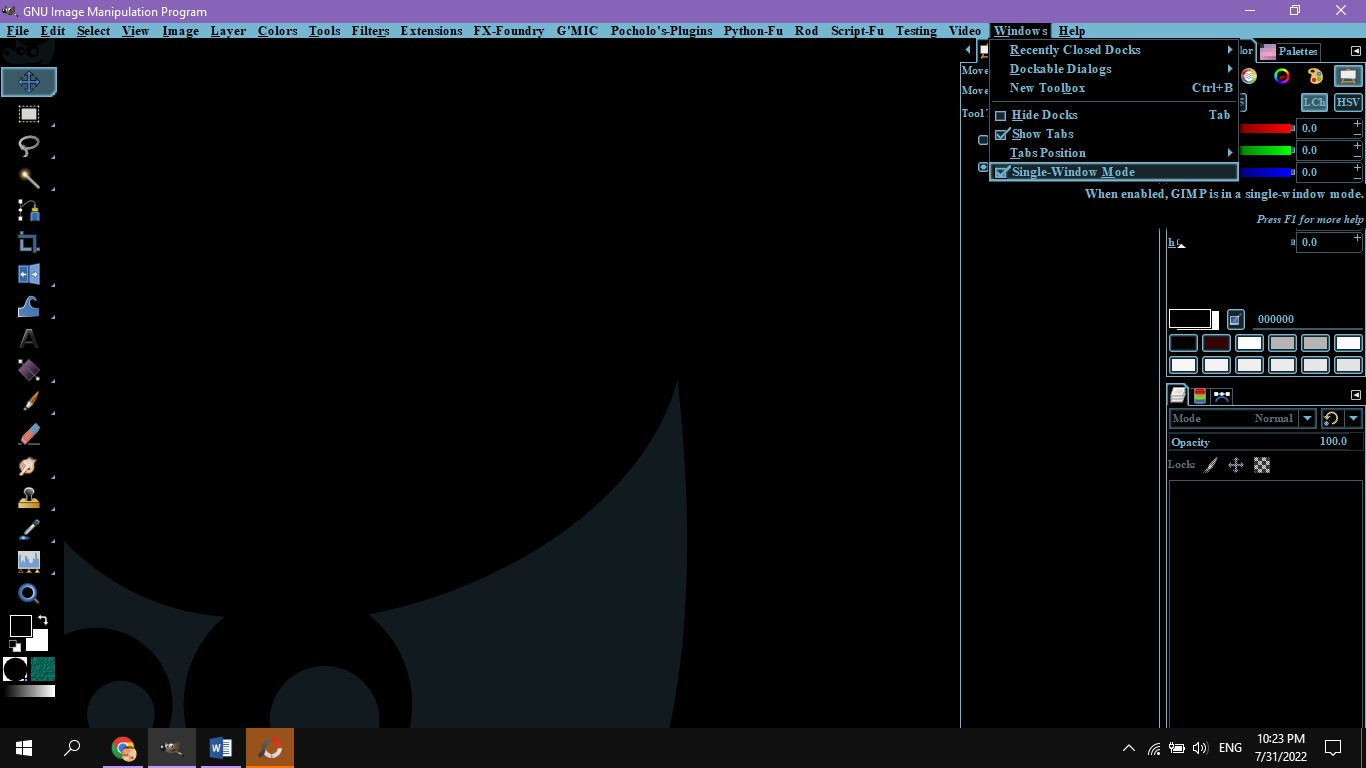
Pocholo wrote:
OK. We have some expert here in GC and you said you have this odd problems. But you haven't provide us with any image so we can have a clue of what you're talking about.

Please, provide some images of this GIMP condition in your PC, so we can help you better.
Good Idea.
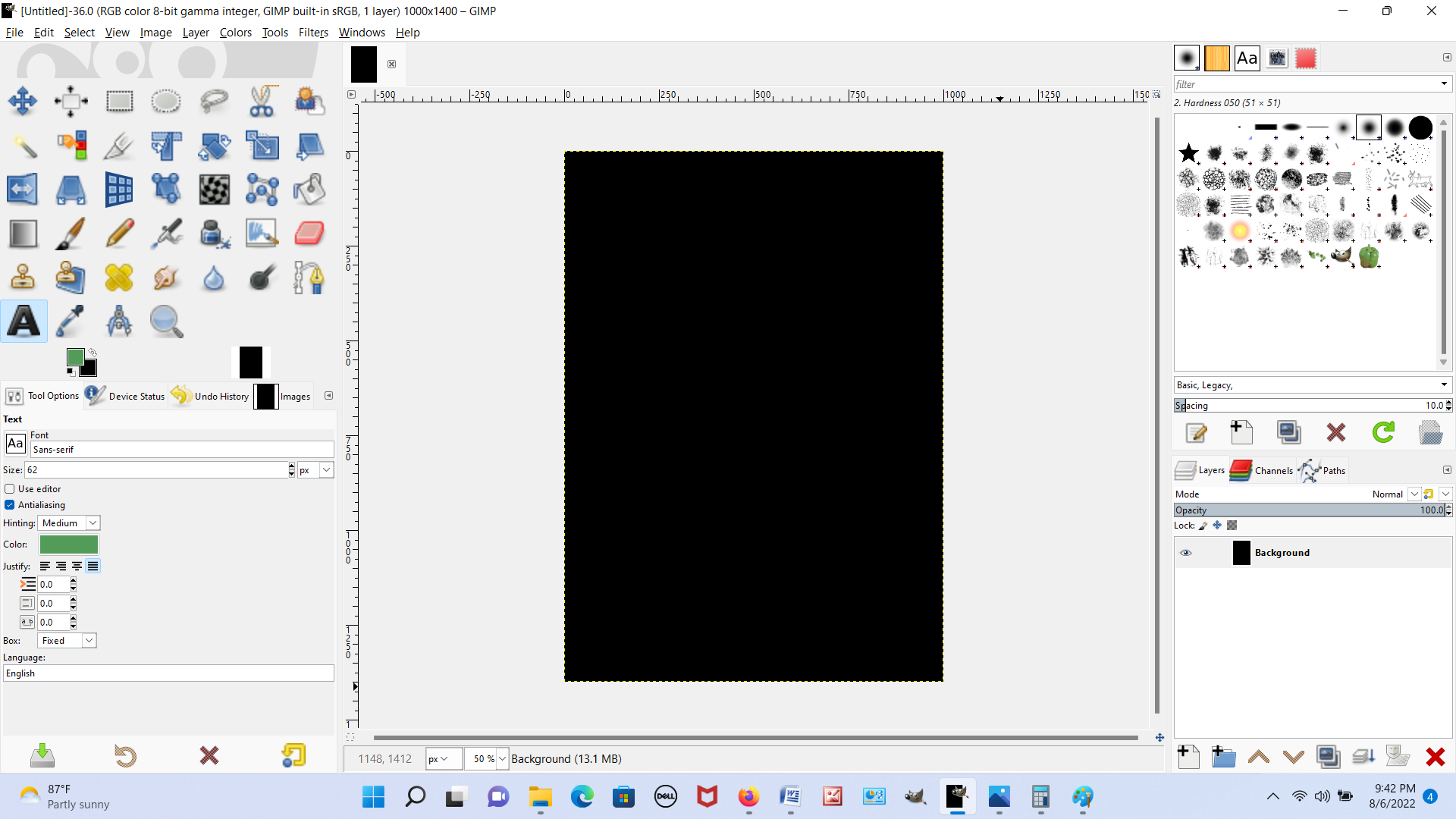
Picture #1. I open GIMP. I'm in single window mode. Both boxes are visible. The toolbox on the left and the layers/paths/channels dialog box on the right.
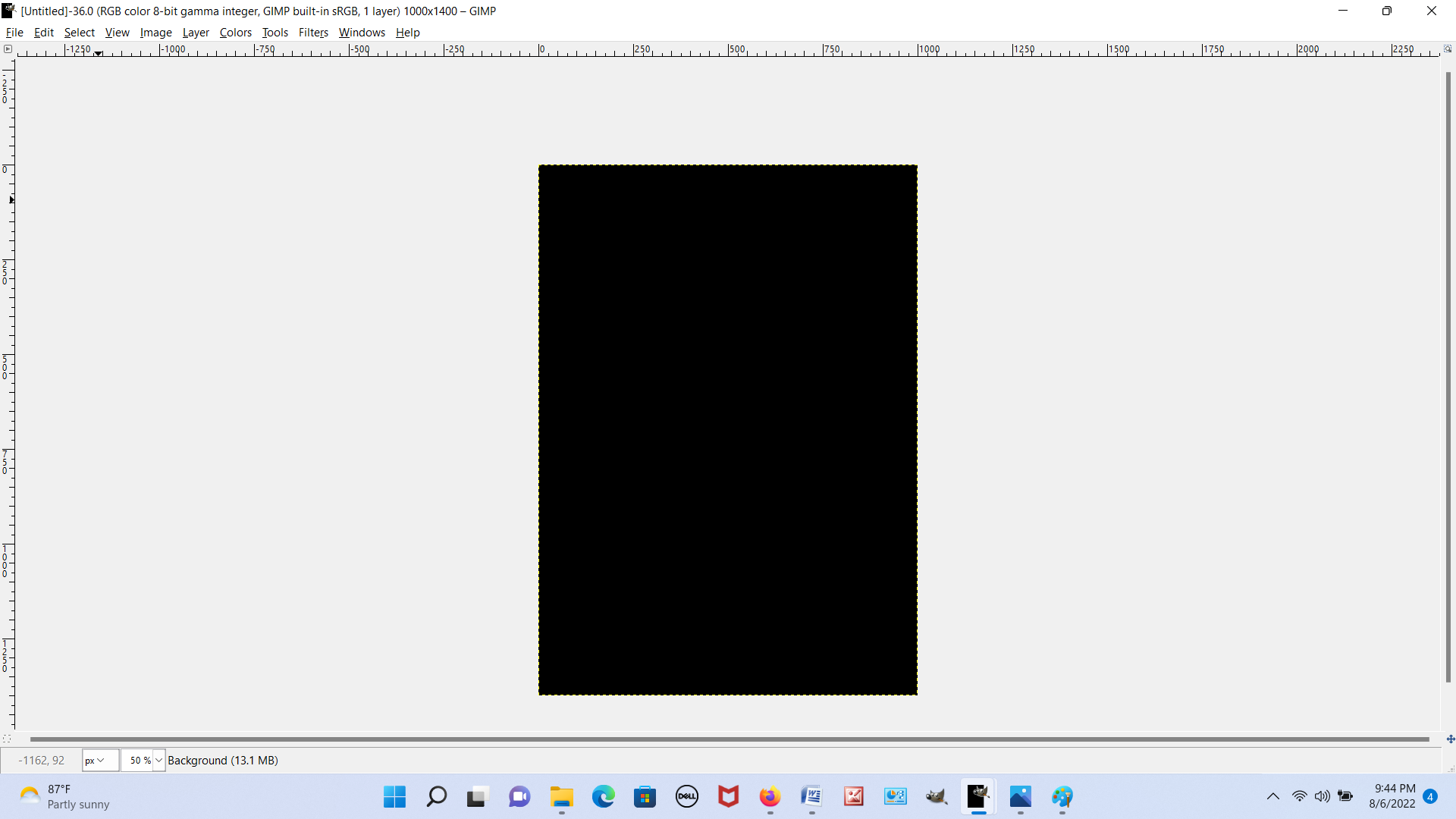
Picture #2. I click to disable single window mode. I expect the two boxes to still be there, only now, I should be able to move them around anywhere in the GIMP window. But instead, they're totally gone now, as you can see.
Picture #3. If I hover my cursor over the GIMP icon in my taskbar at the bottom of the screen, I can see the two boxes. So they are somewhere. Just not where I'd expect them to be. I can see the GIMP window on the left when I hover and the two boxes on the right.
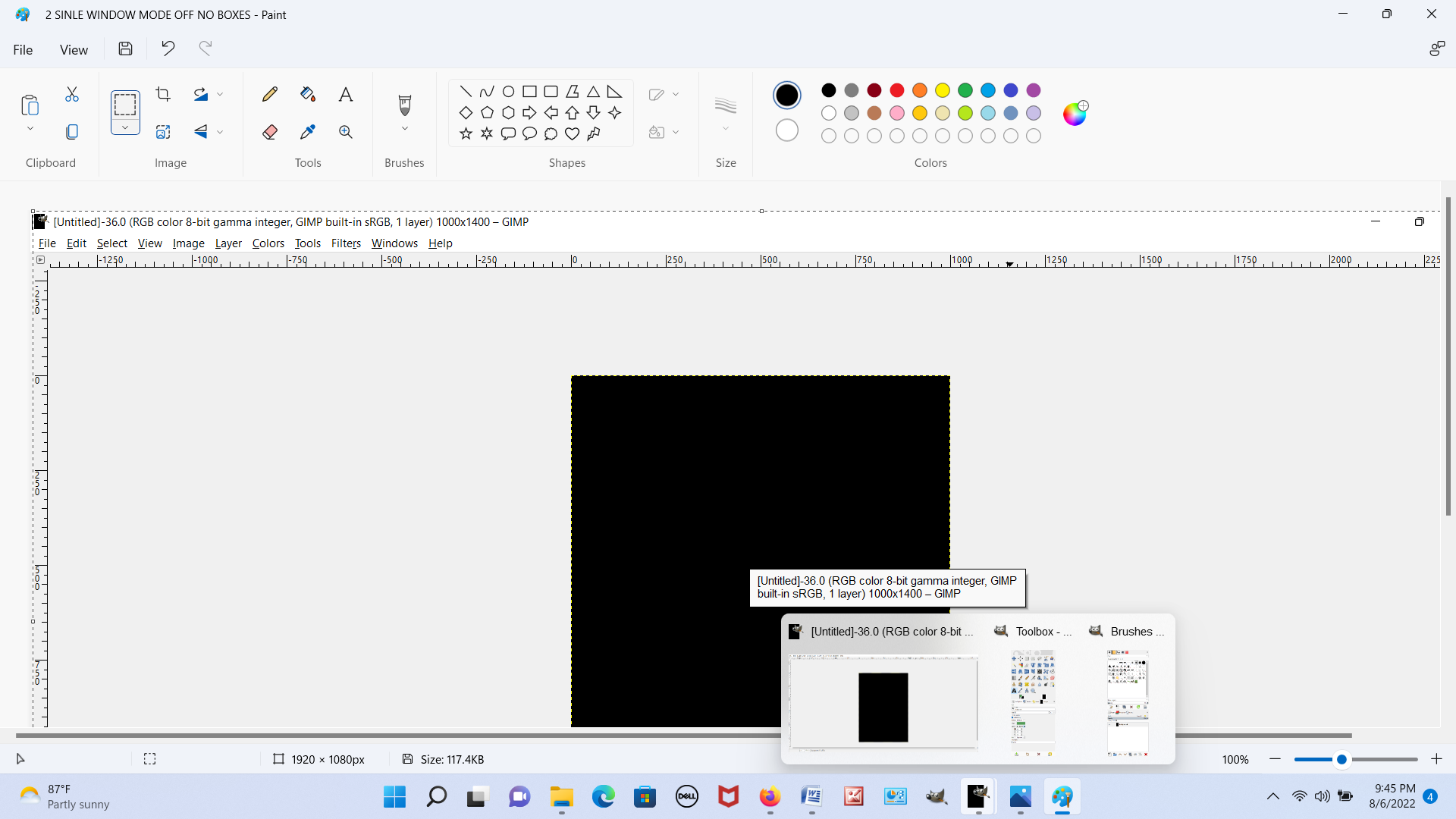
Picture #4. This picture is a little screwy because MS Paint appears at the top of the screenshot. But below that, you can see the main GIMP window, and behind the GIMP window, the two boxes. There is a rectangular blue box and to each of its sides, you can see the top of the boxes. They are behind the GIMP window.
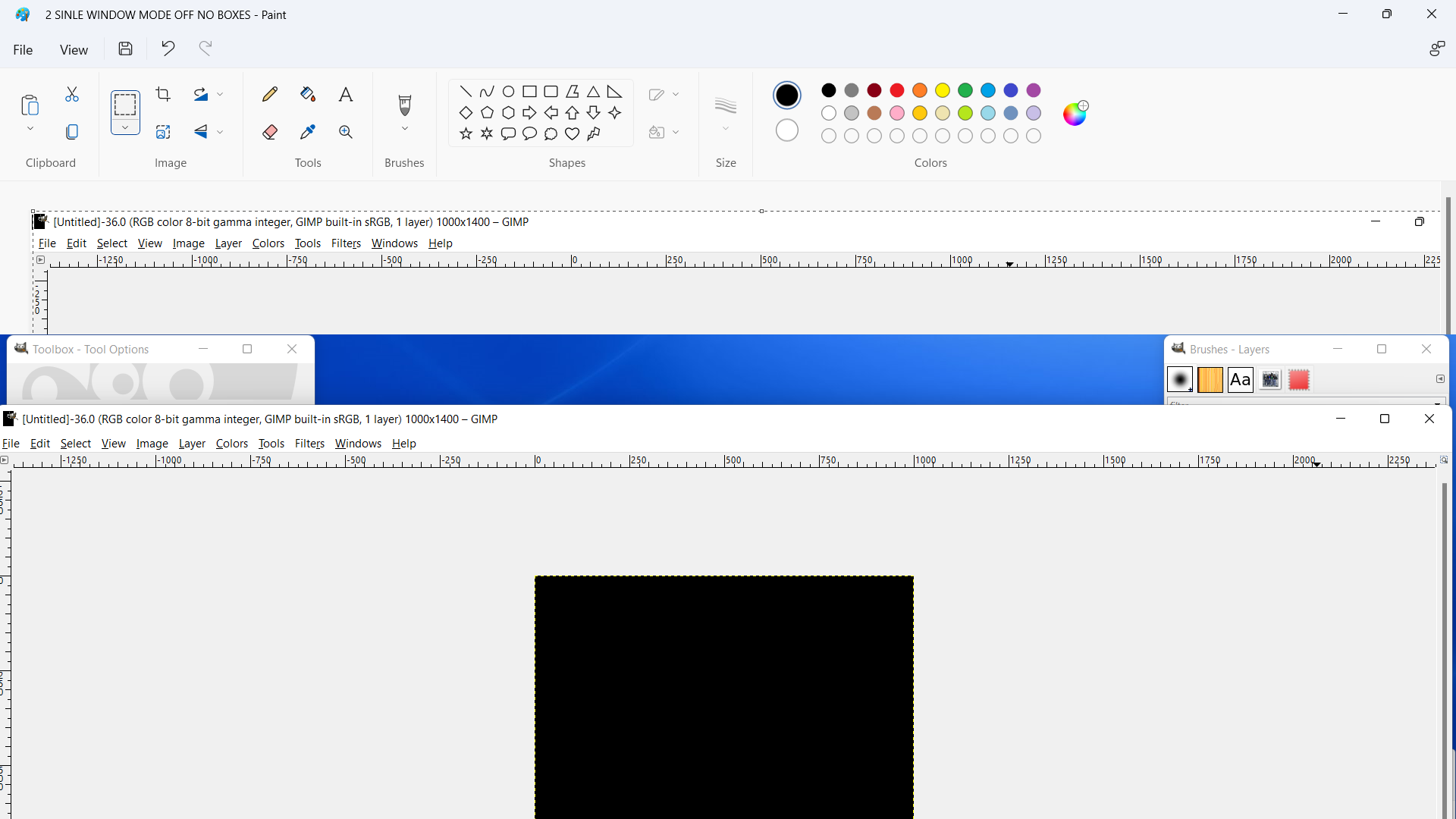
Picture #5. I can click on each of the boxes to bring them in front of the GIMP window, where they should be.

Picture #6. I can even move the boxes around anywhere in the GIMP window. Here I moved the boxes close to the center of the GIMP window and practically next to each other to show that I can move the boxes.
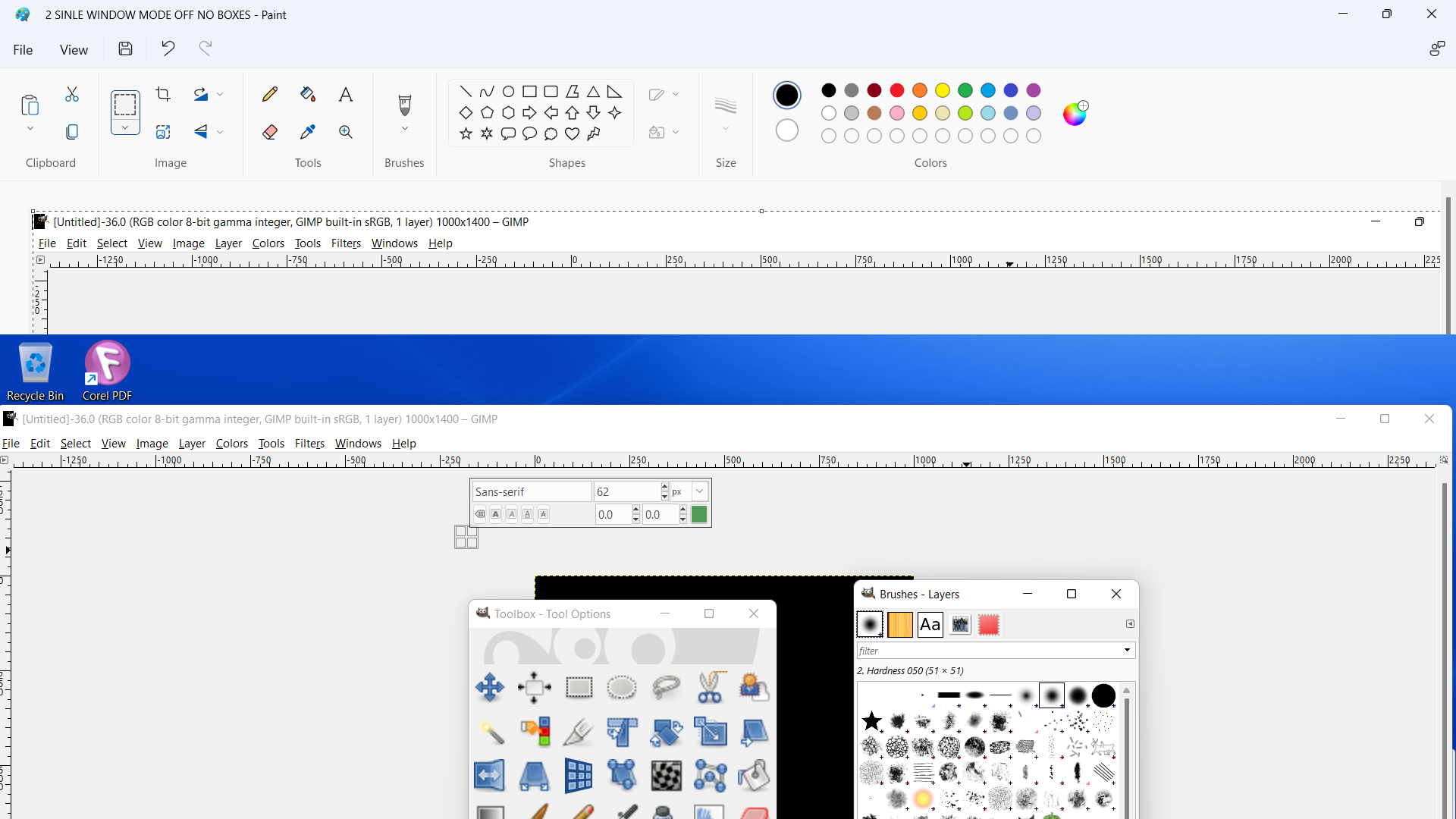
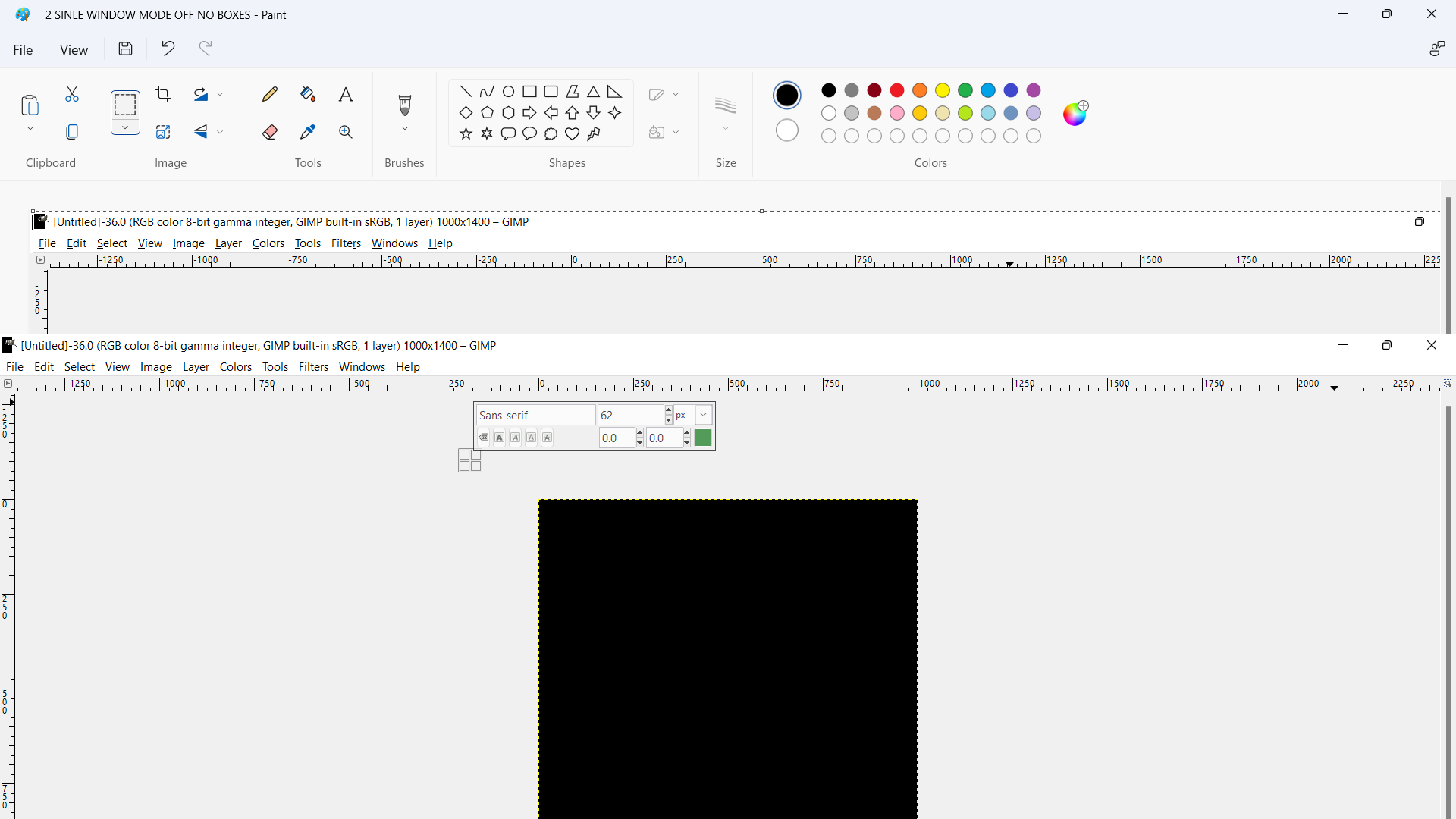
Picture #7. But as soon as I try and do anything else, click on a drop down menu task, type something, do anything, the boxes disappear and go behind the GIMP window. This repeats endlessly. My GIMP is obviously unusable like this.
 Login
Login Register
 Tweets
 FAQ
FAQ Advanced Search