2-ton wrote:
best cartoon script I have run across! Wondering if there are any hints to prepare a pic to be cartooned that can tweak the results either to be more or less colorful, or have more or less black lines?
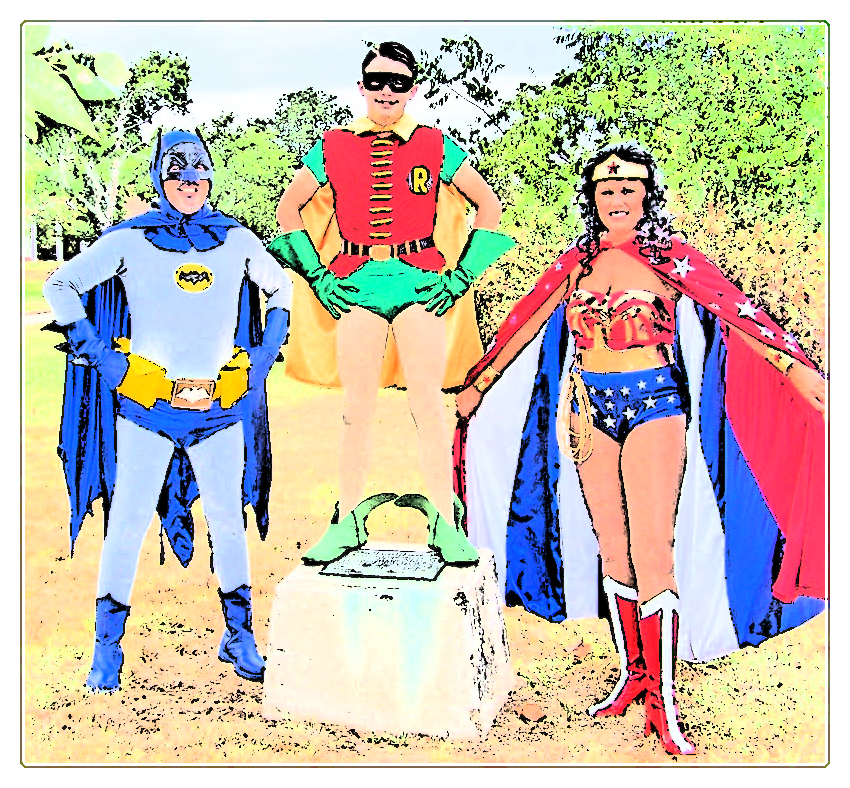
One of things I've noticed is that the amount of black is inversely proportional to the amount of saturation in the starting image. This can be effectively used by running the filter on a duplicate layer that has been desaturated to obtain more black shadows and lines, and then hiding/deleting the duplicated layer.
Attachment:
 bonita-moreblack.jpg [ 126.88 KiB | Viewed 3209 times ]
Or conversely, increase the saturation of the duplicate to reduce the amount of black.
Attachment:
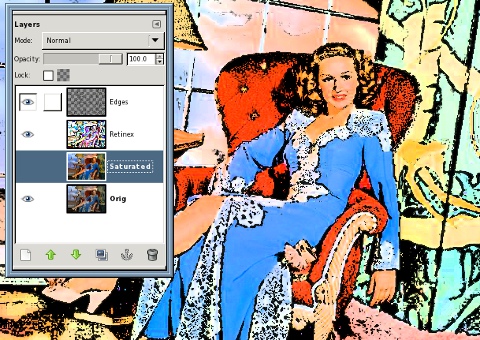 bonita-lessblack.jpg [ 124.55 KiB | Viewed 3209 times ]
You can use the Value Propagate filter set to "Make more opaque" to increase the thickness of the black edges a little (it can get ugly if done to excess).
As far as changing colors, most any color adjustments made to the original layer after running the filter will adjust things as expected. In the following image, I adjusted the hue and saturation a bit with the Hue-Sat filter and also used my
Quantize filter to smooth out the colors even more.
Attachment:
 bonita-quantized.jpg [ 109.1 KiB | Viewed 3206 times ]
 Login
Login Register
 Tweets
 FAQ
FAQ Advanced Search



 ).
).